Check-In
One iPad by the door, set up once. It always shows the class people are arriving for.
 Studio Nava · Door
The screen picks the class from the clock. Nobody chooses it, so nobody can forget to.
Product picture: the door screen and Yael's roster at 07:00 on Wednesday 21 October.
The Door Knows Who Is Coming
- 01
The Screen Knows
It picks the class from the clock. There is no input anybody can forget to give.
- 02
A Rotating Code
The code keeps changing, so yesterday's screenshot lets nobody in.
- 03
Or From the Phone
She scans, or checks herself in from the app inside the window you set.
- 04
Stopped at the Door
An expired membership, an unsigned form or an open balance shows up here, not a week later.
- 05
Walk-Ins Too
Somebody who arrived without booking is added from the desk if there is room.

Scan, Say Hello, Go In
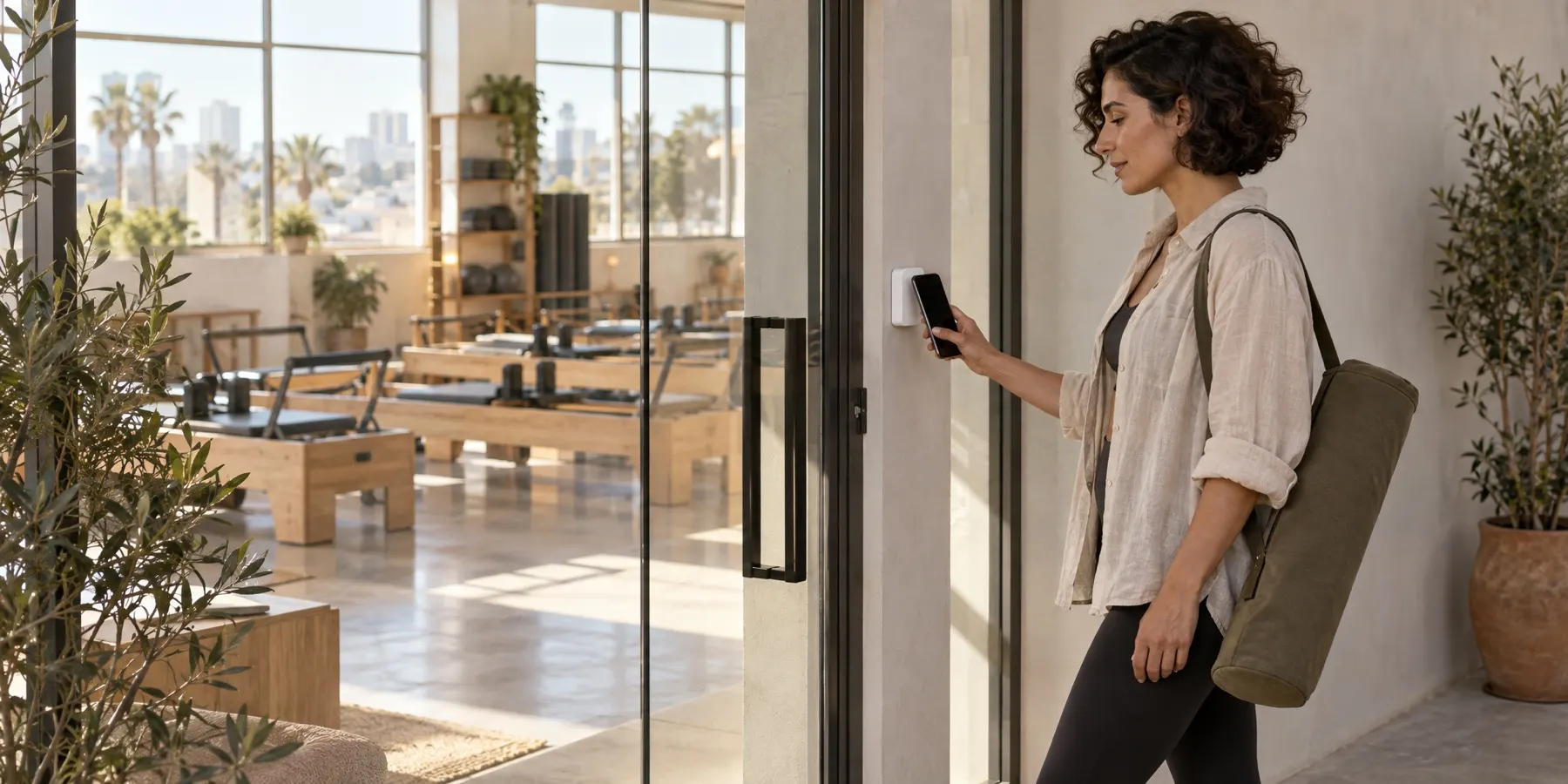
She opens your app and scans the code on the iPad. Tap to enter with an Apple or Google Wallet card is launching.
Tell Us How Your Studio Runs Today.
The first conversation is questions, not a deck.